 GENIKU
Your child asks
to study
Name a topic and AI builds the course, with six kinds of questions in it. Your child plays through it, earns points, and spends them on rewards you set yourself.

Which gas do plants take in from the air?
Crammed for tomorrow, gone by next week
The whole evening goes into talking your child into homework, not into the homework itself.
Off-the-shelf courses never match what your child was actually set at school.
Cramming the night before leaves nothing behind the day after.
Three steps to a finished course
From “we need to fix fractions” to the first finished question — no prep, no lesson plans.

Name a topic
“Fractions for fifth grade”, “Ancient Egypt”, “Present Perfect”. Or upload the chapter itself — a photo, PDF, DOCX or a link.

AI builds the course
It splits the topic into lessons, writes flashcards and six different kinds of questions, and sets the difficulty by your child's age.

Your child plays it and earns a reward
Correct answers earn points. Your child trades them for rewards you invented — from ice cream to a trip to the cinema.
You see everything, and check nothing by hand
Courses, rewards and stats in one app. Your child joins your account with an eight-character code.
A course on any topic
Describe a topic in plain words and get a finished course with lessons, flashcards and questions. Nothing to write yourself.
You can see where they're slipping
Answer accuracy, time spent, courses finished, current streak. Not “did they study”, but exactly what hasn't stuck.
You invent the rewards
Not abstract stars — the things your child actually wants: ice cream, an extra hour of games, a trip to the park. You set the price in points.
Review that beats forgetting
The app brings finished material back on its own — and the shakier a topic is, the sooner it returns. The intervals follow your child, not a calendar.
Join with a code
Your child types your eight-character code and the accounts are linked. No extra personal details required to sign up.
A closed environment
No ads, no outbound links, no third-party content. Only the courses that showed up in your own app.
Upload the notes, get a trainer built from them
Photograph the textbook pages or drop in the teacher's slide deck. The app pulls out the topics, builds questions from them, and runs your child through six modes — from flashcards to a final exam with a grade.
- PDF, DOCX, TXT, up to 10 photos, or a link to a page
- A topic map you edit before any question is written
- A day-by-day plan running up to the test

start there tomorrow
Plays like a game. Counts as studying
Six kinds of questions, so it never gets stale. Points for every right answer. A streak that hurts to break.
Six kinds of questions
Pick an answer, check several, type a word, put things in order, match pairs, read an image.
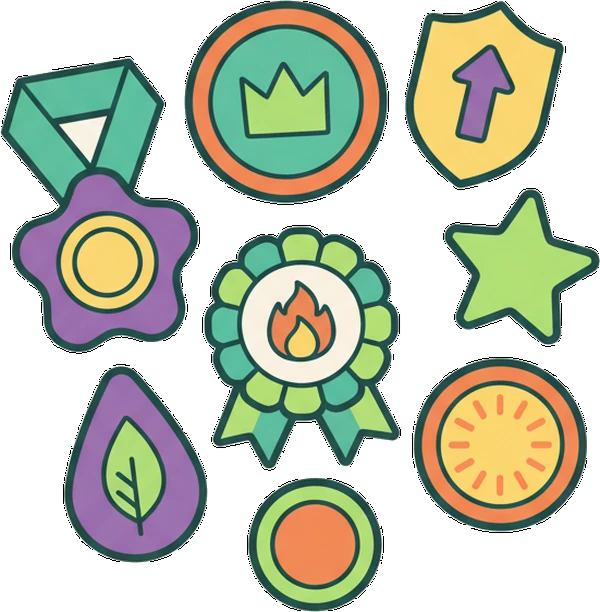
Badges worth earning
They show up in the profile for finishing courses and holding a streak — and once there is one, your child wants the rest.
Daily streaks
Study every day and the streak grows. Miss a day and it starts over. One simple rule that holds better than nagging.
What parents usually ask
Can I trust a course written by AI?
A course lands in your app before your child ever sees it, so you can read every lesson and question first. When you prepare from your own materials, the questions are built straight from the text you uploaded, and you edit the topic map by hand before anything is generated.
What ages is it for?
You set your child's age and the questions are written for it. They need to read and type — some answers are typed from memory.
What else does my child see in the app?
Their courses, points, badges and the rewards you created. No ads, no outside content, no links out of the app.
Does my child need their own account?
Yes, but it links to yours with an eight-character code. No extra details about your child are needed.